
AWS costs
Your AWS bill went up. What changed?
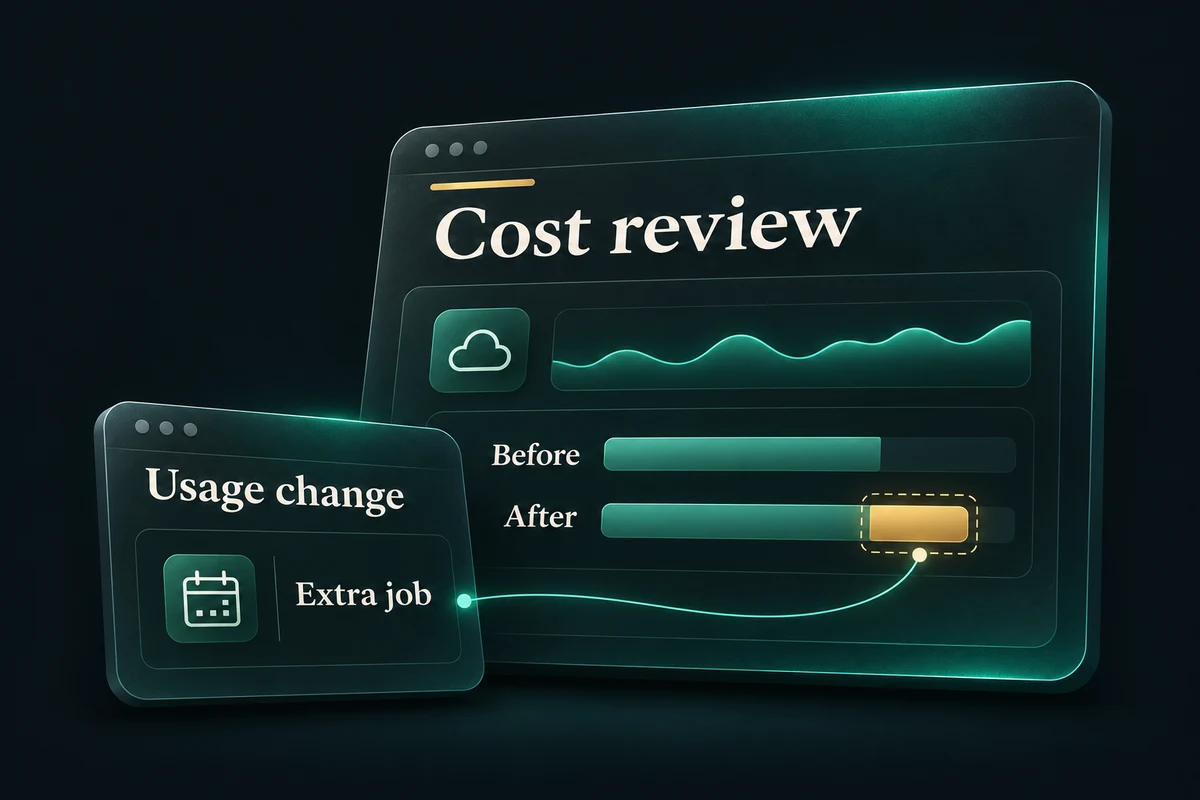
You open the AWS bill and it's higher than last month. Sales look about the same. Nobody remembers approving anything expensive, and the first suggestion is to make the servers smaller.
I'd hold off on that change until the increase has an explanation. A smaller server won't help much if the extra spend came from data transfer or a temporary environment that became permanent by accident. It could also leave the application short of capacity while the original cost keeps growing.
The first useful result of a cost review is a sentence you can act on: this usage changed, in this account, starting around this date. Getting there takes a little investigation.
Make sure the comparison is fair
A full month and a month in progress answer different questions. So do a bill that included a credit and one that didn't. Before treating a bigger total as evidence of waste, check the dates and the kinds of charges being compared.
AWS Cost Explorer can break monthly changes down by service, linked account and Region, and identify drivers such as usage, discounts, fees and credits. I'd start with the largest dollar increases rather than the most dramatic percentages. A small service doubling in price may be less urgent than a modest increase in your main workload. AWS cost comparison documentation
Keep the cost measure consistent, too. Amortized costs spread commitment charges over the period they cover, which helps when assessing the ongoing cost of a workload. That's a different view from asking when a charge landed. Cost Explorer data can also arrive with a delay, so I wouldn't use it to judge the effect of a change made ten minutes ago. AWS Cost Explorer data views
Follow the increase back to the work
Once a service stands out, narrow the investigation to its account, Region and relevant usage. Then compare the timing with deployments, infrastructure changes and business activity.
Traffic is only part of that story. The same number of visitors can generate more work if an application starts making extra requests, exporting larger files or retrying failed jobs. A cost chart can point you toward the change; application metrics and configuration history help explain it.
Consider a hypothetical store whose order volume stays flat while a nightly inventory process starts running every hour. Each run may be perfectly healthy. The schedule is doing exactly what it was configured to do. Looking only at customer traffic would miss the reason the workload grew.
I'd also ask who owns the resource and what depends on it. A name like temp is an invitation to investigate, not permission to delete. Before removing storage or shortening retention, establish whether the data is needed for recovery, an agreement or a business requirement. A cheaper bill is a poor trade for discovering that the only usable backup is gone.
Choose a change you can evaluate
The response should follow the finding. An abandoned environment needs an owner and a removal plan. A noisy job may need a scheduling fix. An oversized database needs a capacity review that includes peak demand and an agreed way back if performance suffers.
I wouldn't make all those changes at once. Pick a bounded change, record the expected effect and decide what else to watch. For a capacity reduction, that might include response time, queue growth and errors alongside cost. Give the comparison enough time to include the workload's normal busy periods.
Buying a longer-term commitment is a separate decision. I'd want a defensible picture of the usage you expect to keep before committing to it. If you're about to retire an application or change its architecture, the current bill may be a poor basis for that decision.
Sometimes the increase is justified. More customers, stronger recovery requirements or a new feature can all cost money. The useful question is whether the spending supports something you intend to keep, and whether you can explain the tradeoff.
Keep the report that answered the question, along with the owner and the reason for the change. Next month's review should start with that context, rather than another search for whoever remembers creating the resource.